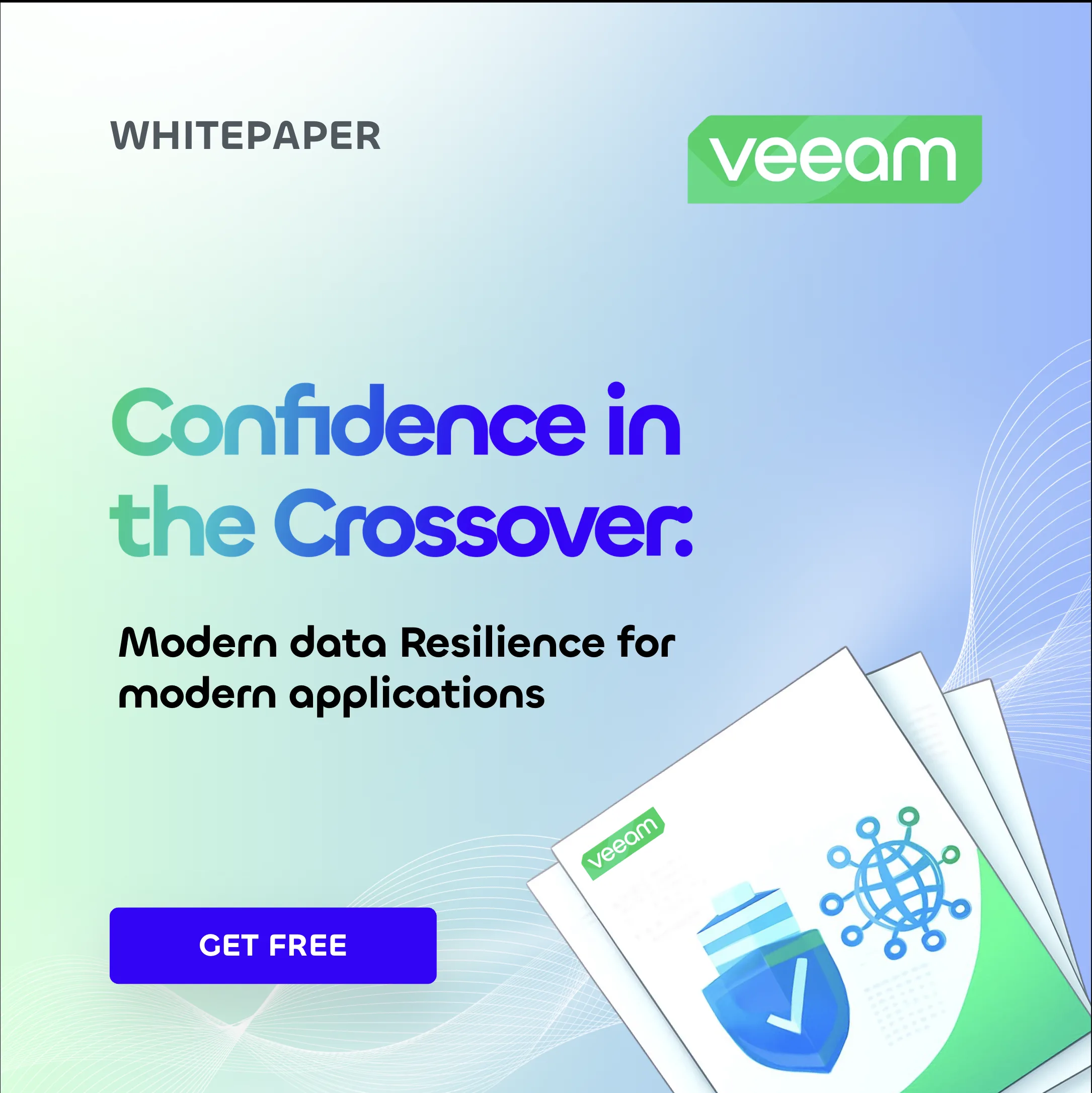







Andrea Carrasco

Veeam
Canva Brand Kit

A Canva brand system for consistent marketing without starting from scratch.

Role Brand system + visual designOutput Templates, guidelines, assetsFocus Non-designers shipping on brand

Inside the brand kit: eleven collections.

Type, logos, color, voice, photography, components, graphics, icons and templates — plus the two tabs on how it was built.

Canva type style card for Title 44, the Chillax display headline styleCanva type style card for Subtitle 32Canva type style card for Heading 24Canva type style card for Subheading 20Canva type style card for Section header 18Canva type style card for Body 14, the Inter body text styleCanva type style card for Quote 20, shown in italicCanva type style card for Caption 12

Eight locked styles, top to bottom.

Chillax leads headlines, Inter carries utility text. Both stand in for the licensed faces Veeam uses; the eight locked styles are what stop anyone retyping a size by hand.
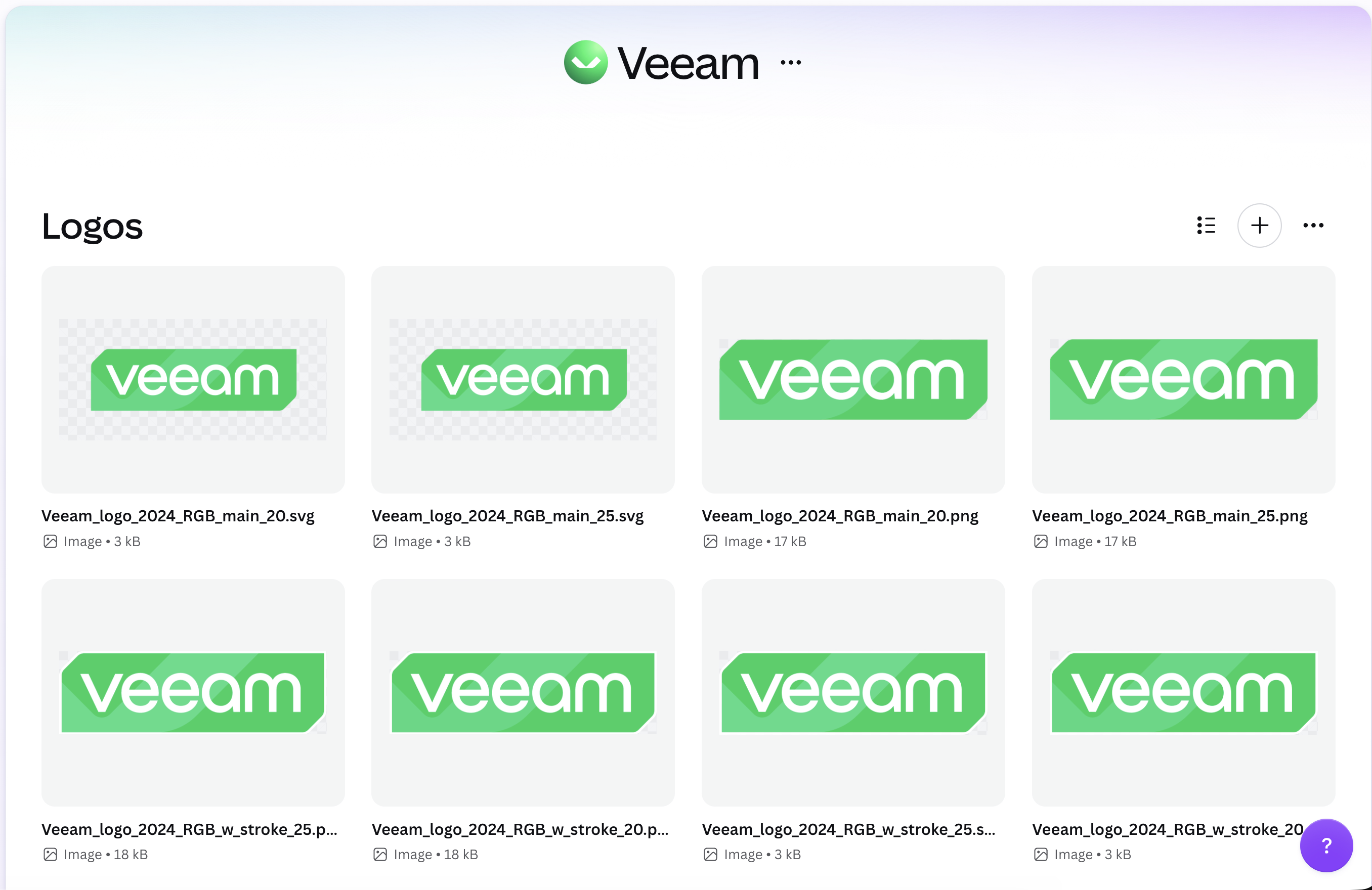
Veeam Canva logo library

Every lockup, already cleared.

Each mark is sized and cleared for its context, so nobody rebuilds one from a screenshot of a slide.
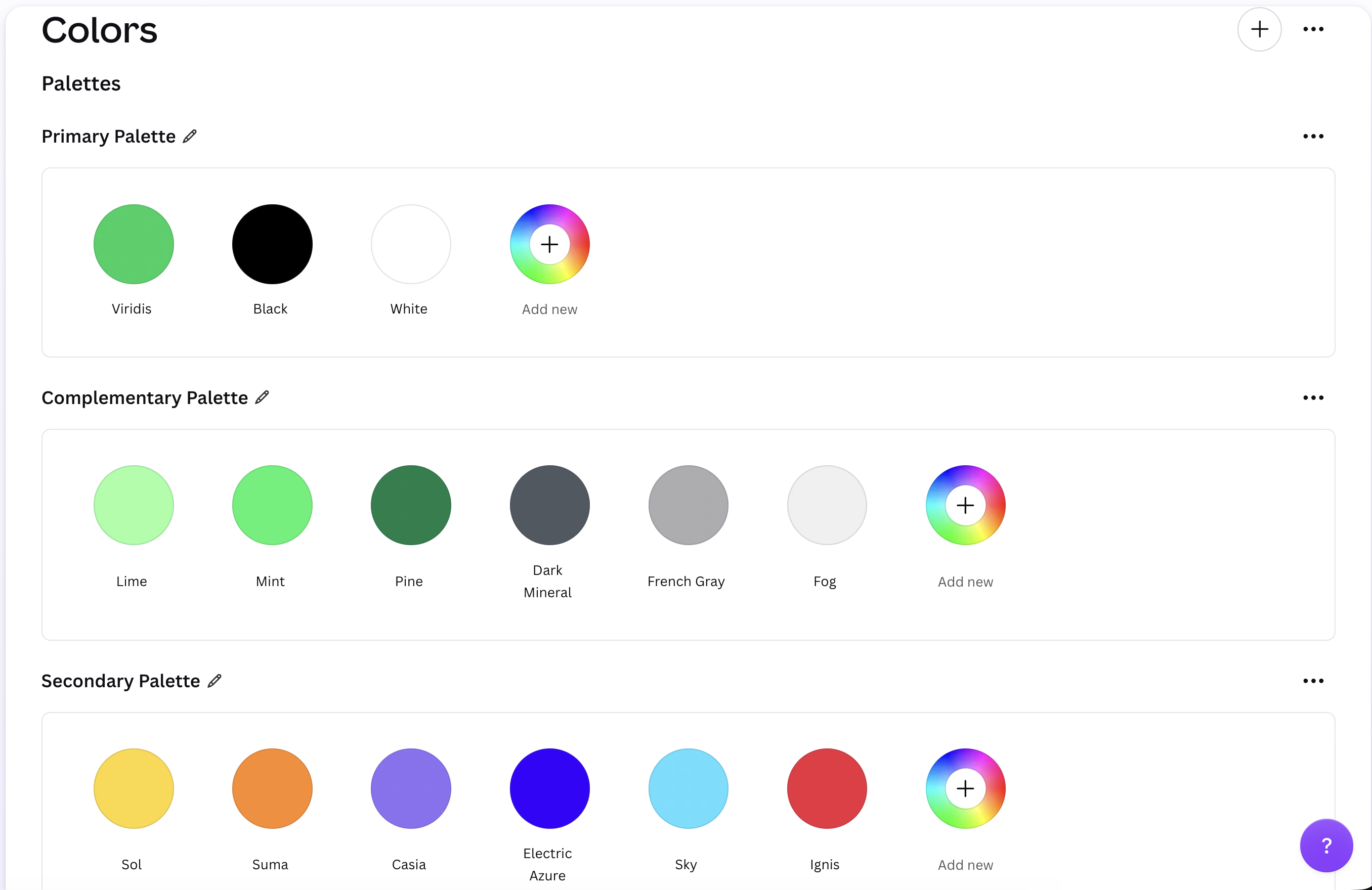
Veeam Canva color palettes

Palettes grouped by the job.

Colors are filed by what they do — surface, accent, data — so picking one is a decision about the job, not about the hue.
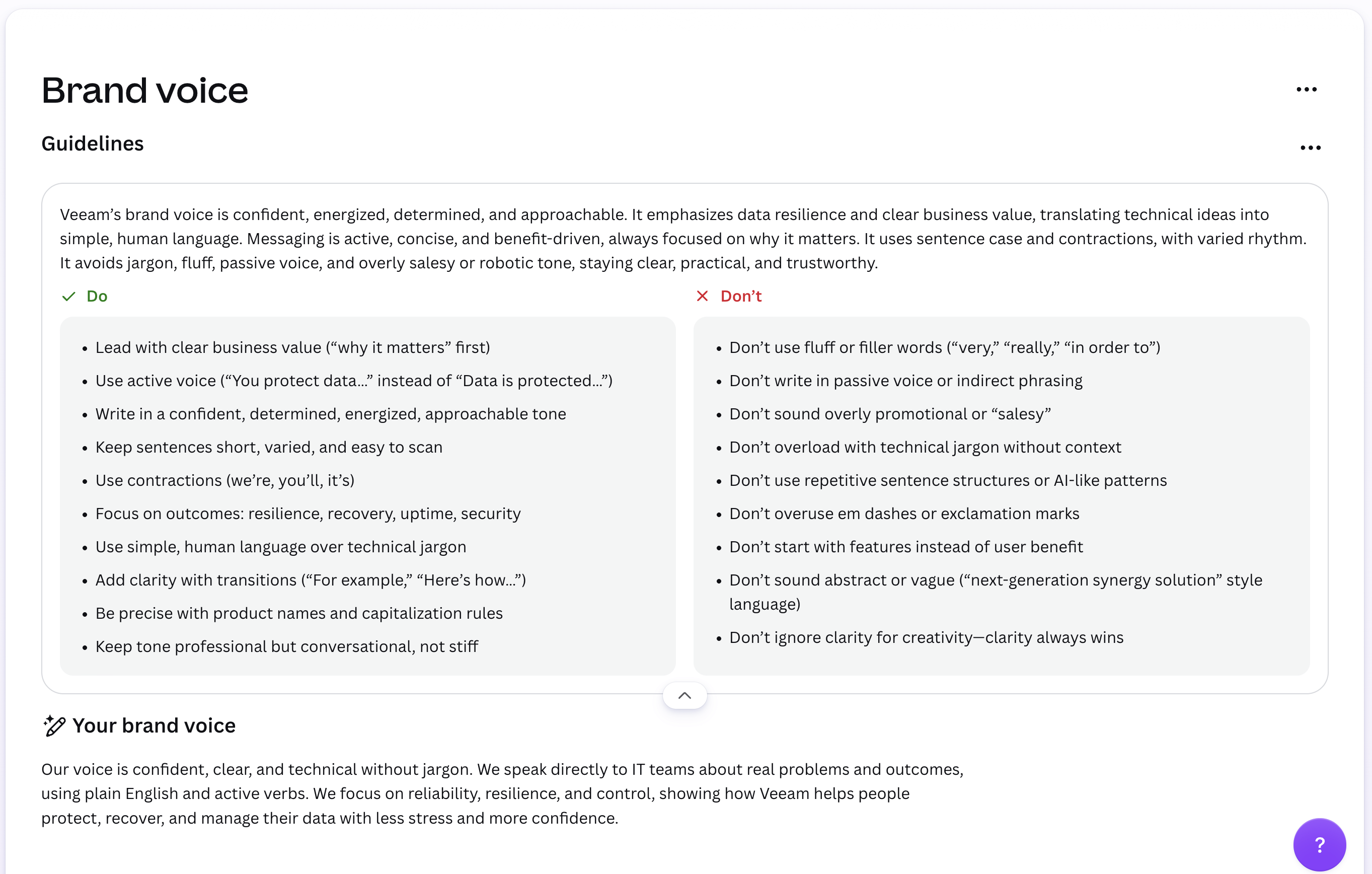
Veeam Canva brand voice guidelines

Voice, written as do and don’t.

Active, clear, human — set out as pairs a marketer can check a draft against in about ten seconds.
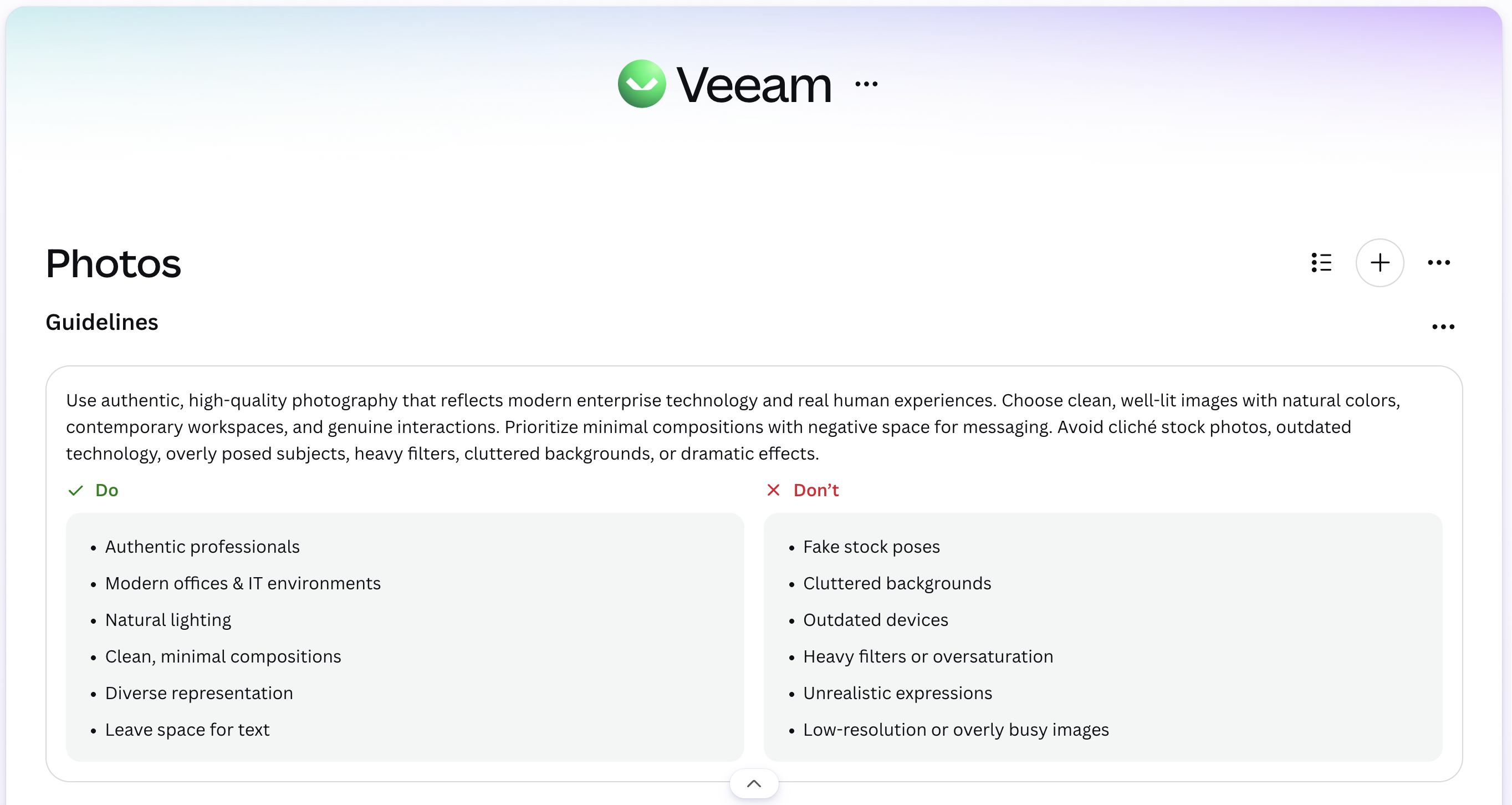
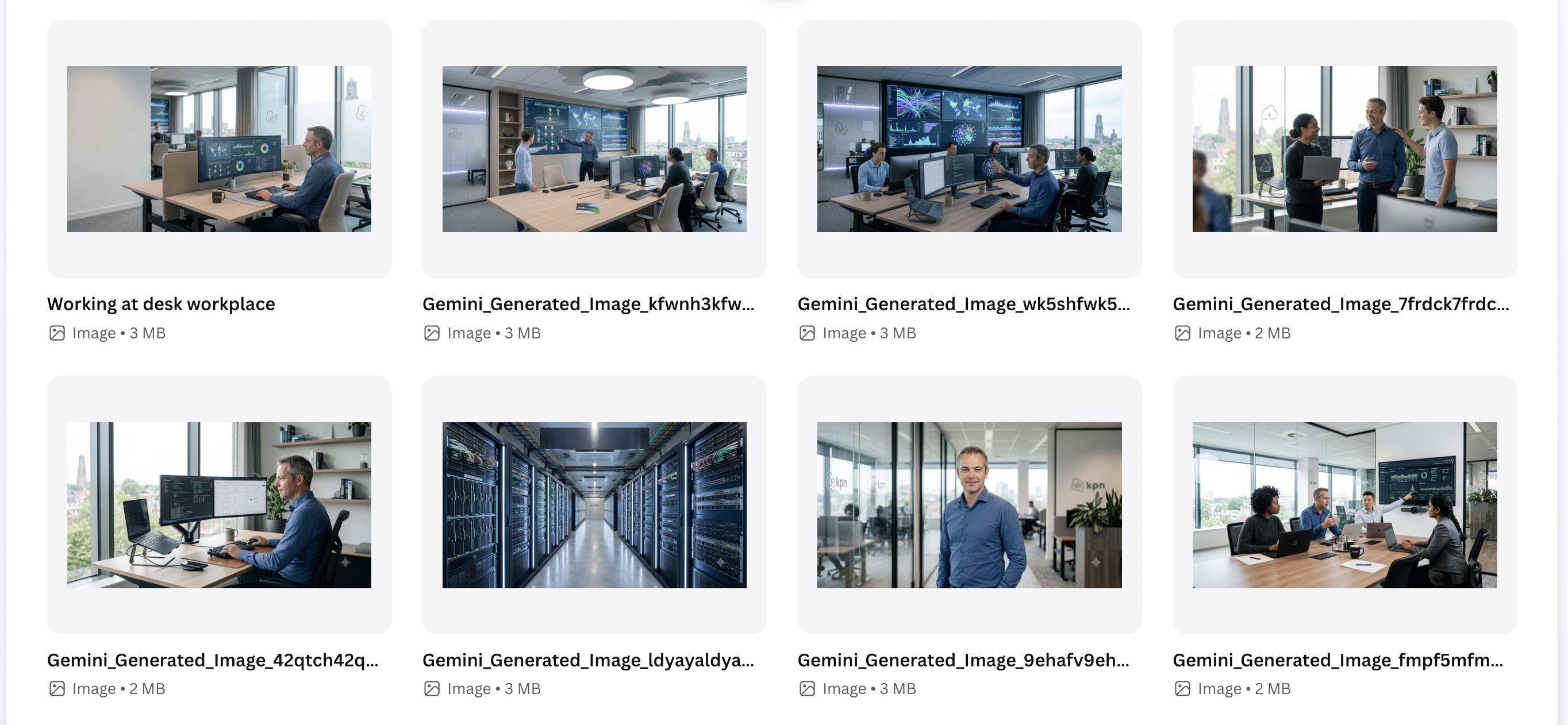
Veeam Canva photography guidelinesVeeam Canva photography brand kit overview

Photography that still looks like Veeam.

Guidelines, do/don’t pairs, and prompts that keep generated images looking like the brand rather than like stock.
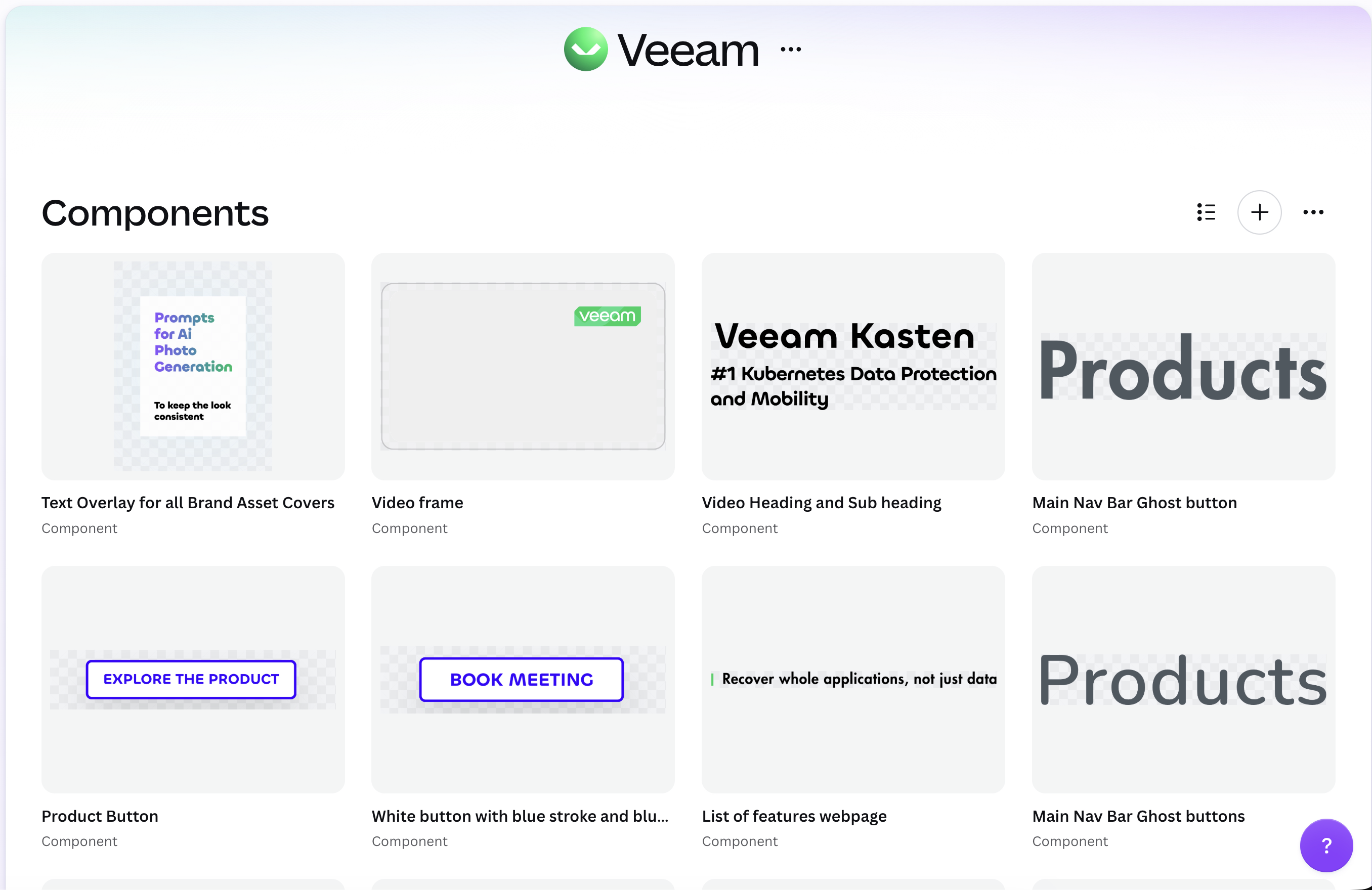
Veeam Canva components library

The parts you assemble from.

Buttons, headings, labels and overlays are saved as components, so a layout gets assembled rather than redrawn.
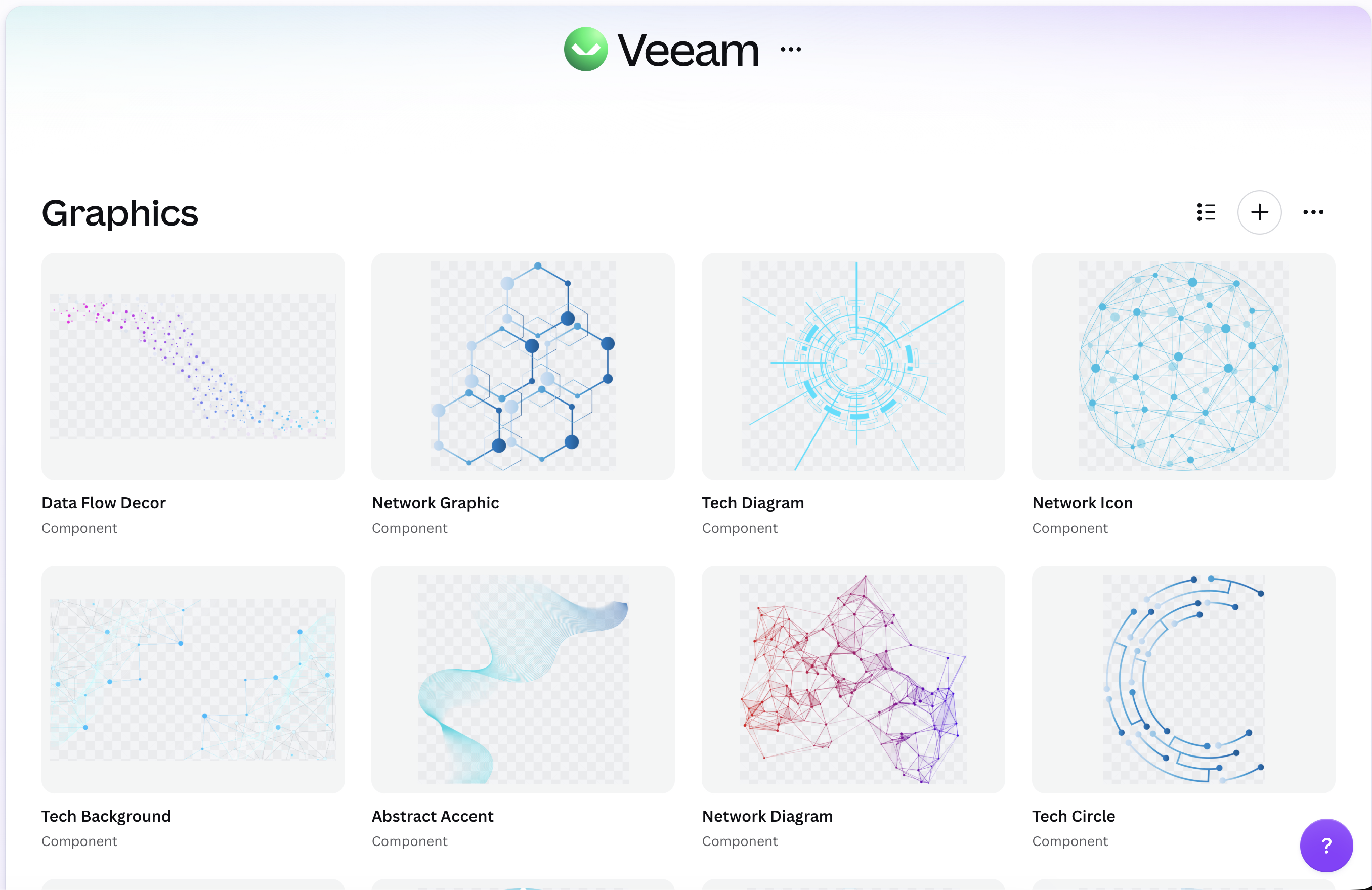
Veeam Canva graphics library

Diagrams that arrive on-brand.

Data flows, connectors and accent shapes, so a complex idea never gets sketched from scratch inside a deck.
Veeam Canva icon library

One icon, every approved crop.

Each mark is pre-made in its allowed crops, colors and treatments, so nobody recolors one by hand and drifts.
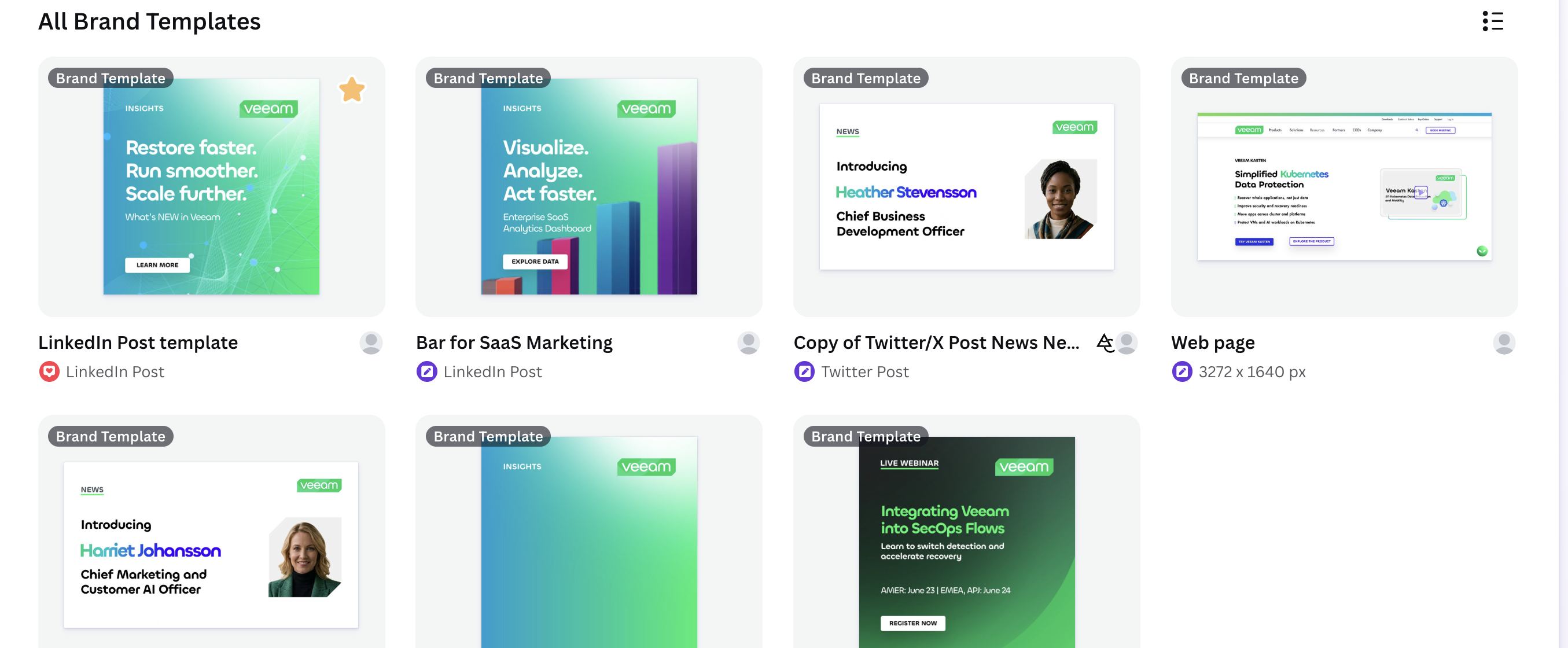
Veeam Canva brand template library

Where everything above lands.

Open one, replace the words, publish. This is the only tab most people will ever need to open.

Chillax / DisplayRestore faster.
Run smoother.
Title 44 · Semibold · the display voice, standing in for Veeam’s licensed face
Aa Bb Cc Dd Ee Ff Gg Hh Ii Jj Kk Ll Mm Nn Oo Pp Qq Rr Ss Tt Uu Vv Ww Xx Yy Zz
PP Mori / UtilityClear guidance for every content creator.Body 14 · Regular · readable, neutral, built for utility
Aa Bb Cc Dd Ee Ff Gg Hh Ii Jj Kk Ll Mm Nn Oo Pp Qq Rr Ss Tt Uu Vv Ww Xx Yy Zz

Why Chillax and Inter.

I chose Chillax and Inter as the closest available matches to the fonts Veeam uses. Everything above is set in the substitutes, not the licensed originals.

Veeam brand template generated with Canva MCP and Codex

Generated with Codex, inside the kit.

Canva MCP and Codex, working from the same guidelines. The output lands on-brand because the rules are machine-readable — not because someone remembered them.

The process, reduced
to three steps.

Browse the approved templates, choose an occasion, then swap the content. I cut every step in between that used to make someone stop and ask a designer.

Different formats.
One unmistakable system.

Browse Veeam’s Canva brand kit, choose the format that fits, and start from a template that stays on-brand by default. Each one has its own feel without sacrificing legibility, type or color.


Veeam dark webinar template
Webinar / DarkHigh contrast + focused CTA
Veeam e-book template
E-book / GradientEditorial story + proof point
Veeam whitepaper template
Whitepaper / LightTrust + considered detail
Veeam insights template
Insights / ImpactMessage first + branded energy
Veeam executive webinar template
Executive webinar / LightLeadership message + strong hierarchy

Not the
in-house graphic designer?

Spent too much time in the terminal and forgotten what design looks like? Need a polished live-webinar announcement without starting from scratch? Choose a template — the guardrails keep type, color and layout on-brand while you focus on the message.

Self-serve editing / Canva templateEditing copy, not layout.

Where AI is
allowed to help.

A prompt system guides image generation with positive and negative criteria. AI creates options; brand rules and human review decide.


Brand rulesStructured promptHuman review
A generated open-plan office desk, lit cool, in the Veeam photographic styleTwo generated colleagues reviewing work together at a screenA generated engineer at a multi-monitor technical workspaceA generated team gathered around a wall-mounted dashboardA generated operations floor seen down a row of desksA generated professional portrait against a dark neutral backdropA generated incident room, several people at one screenA generated command center wall of monitorsA generated data-center aisle receding between server racks
01System thinkingRules that outlive the file they shipped in.
02Self-serve designUseful choices, not blank canvases.
03Quality controlGuardrails for type, color, imagery, and AI.
04End-to-end ownershipFrom the type scale to the finished template.

The same components,
in motion.

With an organized Canva Brand Kit, an animated reel is as easy as dragging a few components from the library. This is one quick example.

TemplateAnimate componentsPost onlineIncrease engagement

How the motion gets rendered.

Connecting Canva’s Brand Kit to Codex and Remotion shows how quickly I can learn new tools, translate brand rules into motion, and make polished, on-brand content that others can reuse.